
How a Round Works
Modes, timers, mistakes, module pools and which level introduces what.
Checked with game version 1.1.0
Three players, one copy of the game each, one bomb. There is no solo, duo or local mode. Roles can be chosen in the lobby or randomised with one button.
Modes
- Campaign: 30 handcrafted levels with a fixed timer, module set and mistake allowance each. Difficulty is not selectable.
- Endless: procedurally generated waves that keep getting harder. Fan reconstruction for 1.0.0: you start with 150 seconds and three strikes per wave, a solved Easy, Medium or Hard module adds 25, 40 or 55 seconds, one Chaos element joins from wave 7 and two from wave 18, Hard modules enter at wave 14 and are all there is from wave 50. Achievements sit at 5, 15 and 30 waves.
- Custom: choose bomb difficulty (Hard is the only named level and awards the "Fearless Monkeys" achievement on its own), the timer, the module types, the environmental-hazard preset and the allowed mistakes. The hazard presets, as reconstructed by fans: Easy, Medium and Hard mean 2, 5 or 10 lamp and radio faults, starting after 45, 30 or 20 seconds and repeating every 60 to 90, 25 to 40 or 15 to 25 seconds.
Timer and mistakes
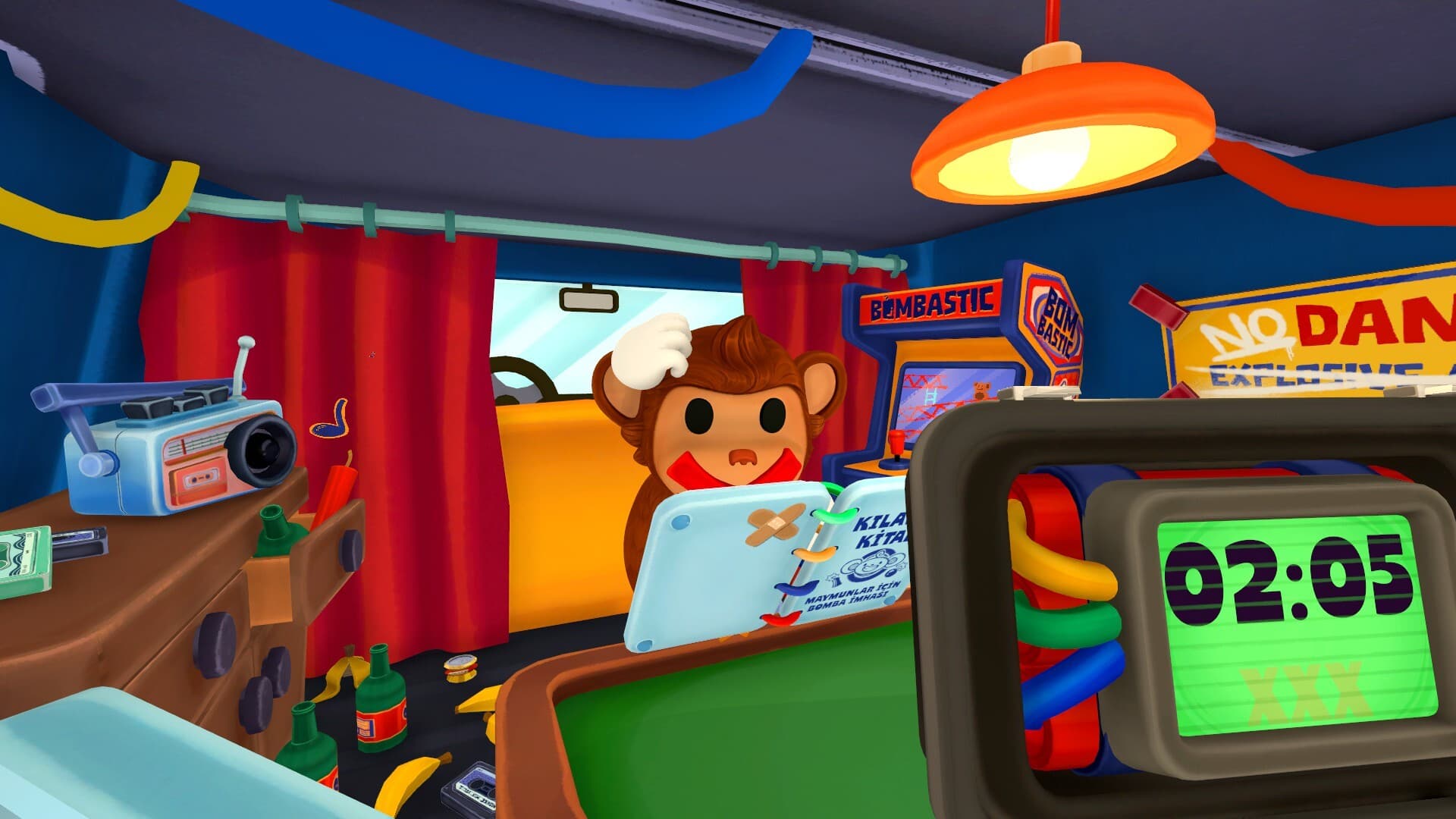
The timer and the mistake counter sit on the bomb itself, so only the deaf and mute players can see them. Campaign timers run from 2:30 to 5:00. Levels 1 and 2 allow a single mistake, every later level allows three. A wrong input can change a module's lights, numbers or stage, so re-read the panel after any strike instead of continuing from memory.
What is on a bomb
A bomb carries one to four defusal modules and up to four Chaos elements. Since the MAYDAY update there are 15 defusal modules and 4 Chaos elements. Random slots draw from three pools; which pool the four new modules belong to has not been documented yet:
| Pool | Modules |
|---|---|
| Easy | Cable, Color Slider, Direction, Calculator |
| Medium | Symbol, Piano, Soundboard |
| Hard | Switch, Maze, Morse, Monkey-Says |
| New in 1.1.0, pool unknown | Buttons, Hot Buttons, Rotation, Lock |
Separate from Chaos are environmental hazards: lamp and power outages, obstructions and radio noise, which the Custom mode can dial up or down.
Environments
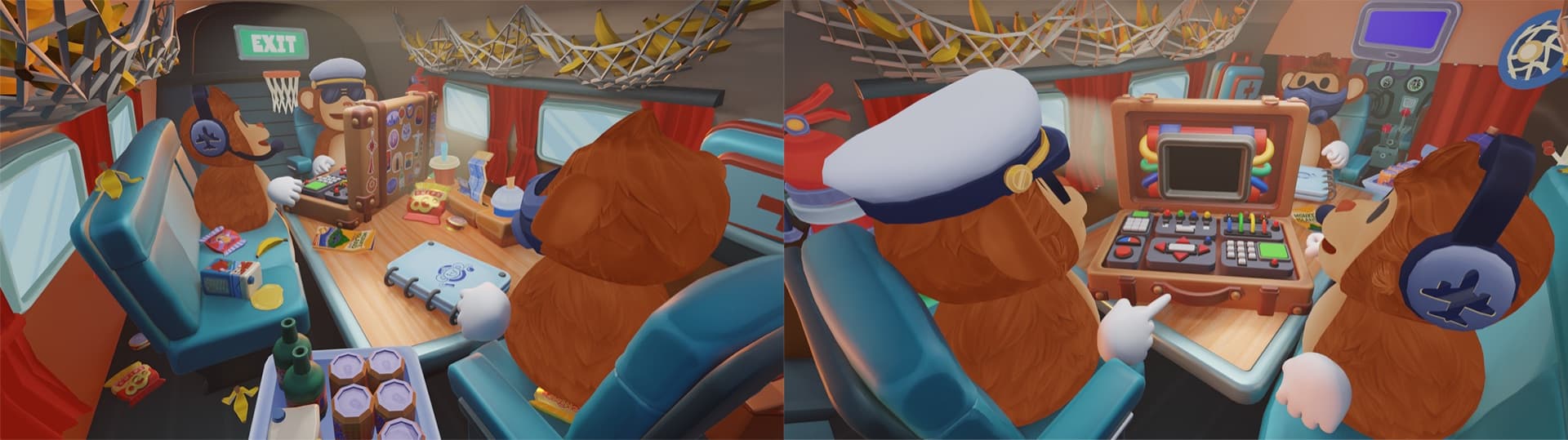
Rounds take place in a minivan or on a plane. The plane was advertised on the store page from day one but was not in the launch build; a developer confirmed on 18 September that it was not ready and had been left on the store page by mistake. The MAYDAY update of 9 October 2026 added it: the announcement image shows an aircraft cabin with rows of teal seats, oval windows, overhead nets stuffed with bananas, an EXIT sign, a cockpit panel with gauges and levers, and the bomb sitting in a sticker-covered suitcase on a fold-out table. The developer has not named the location or described its hazards, interactions and obstacles, and nobody has documented which modes or levels use it yet. If you have played it, the edit link below is the place to add what you learned.
Customisation
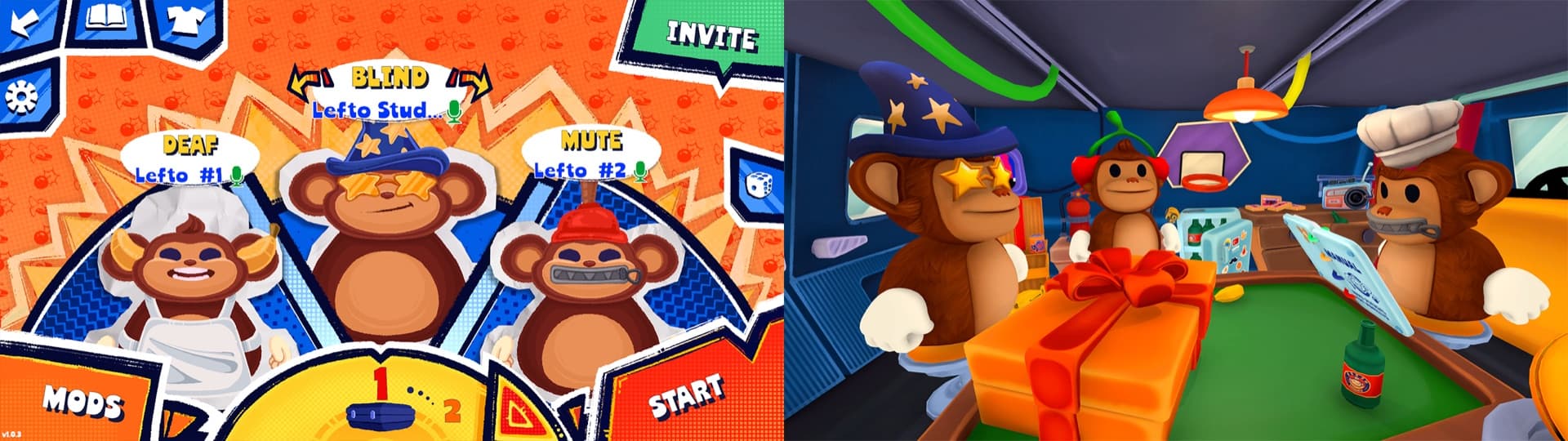
Since MAYDAY the lobby has a wardrobe (the T-shirt icon in the top bar). What the announcement images show: hats and headwear such as a wizard hat, a chef's toque, a captain's cap or a plunger, and variants of the three role markers, for example star-shaped sunglasses or aviator shades for the blind player, a pilot headset or cherries over the ears for the deaf player, a bandana for the mute player. How items are unlocked is not documented.
Braille and the manual
Dot clusters appear on Direction, Switch, Calculator, Piano, Soundboard and Maze. The blind player hovers over them and the game prints the number; no Braille knowledge is needed. Numbers can change between stages, so re-hover before each input.
The manual exists only in-game, as a ring-bound notebook that only the mute player can open, and pages unlock as the campaign progresses. Parts of it are randomised per session: two players' screenshots of the same version showed different Color Slider tables, while every other table matched. There is no official PDF; sites offering one are not official.